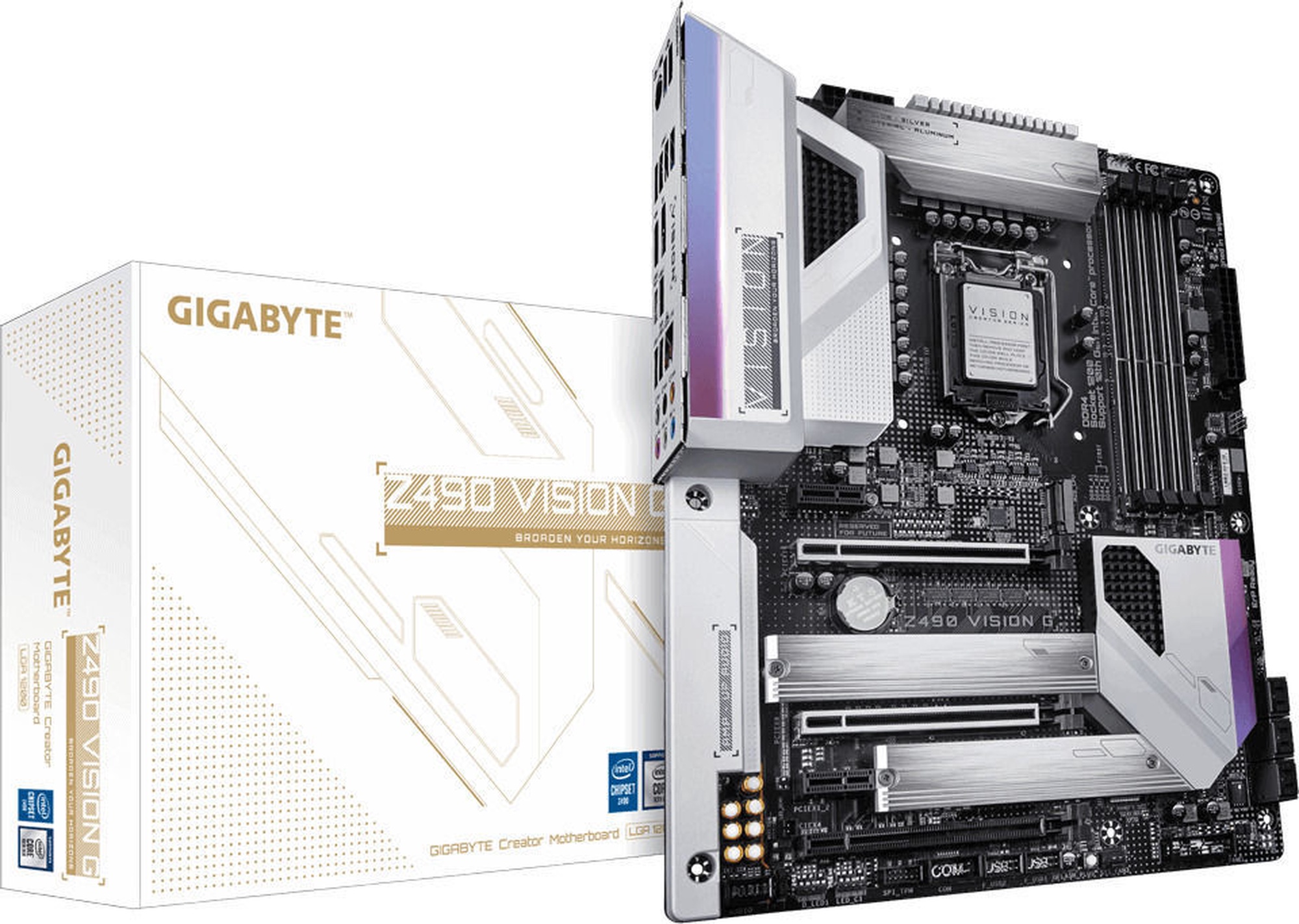
Информация о товаре
Свойства изделия
Оперативная память
|
|
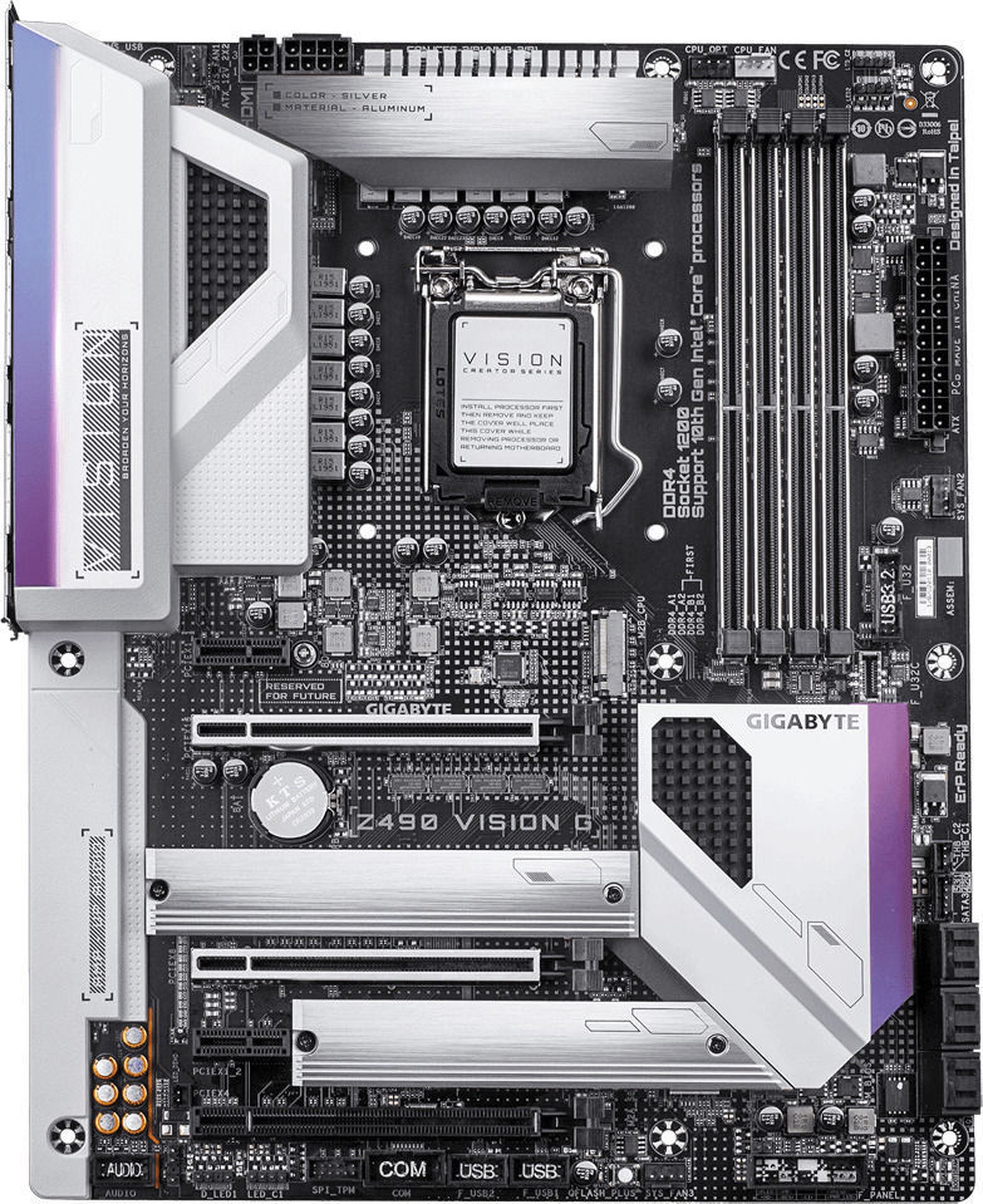
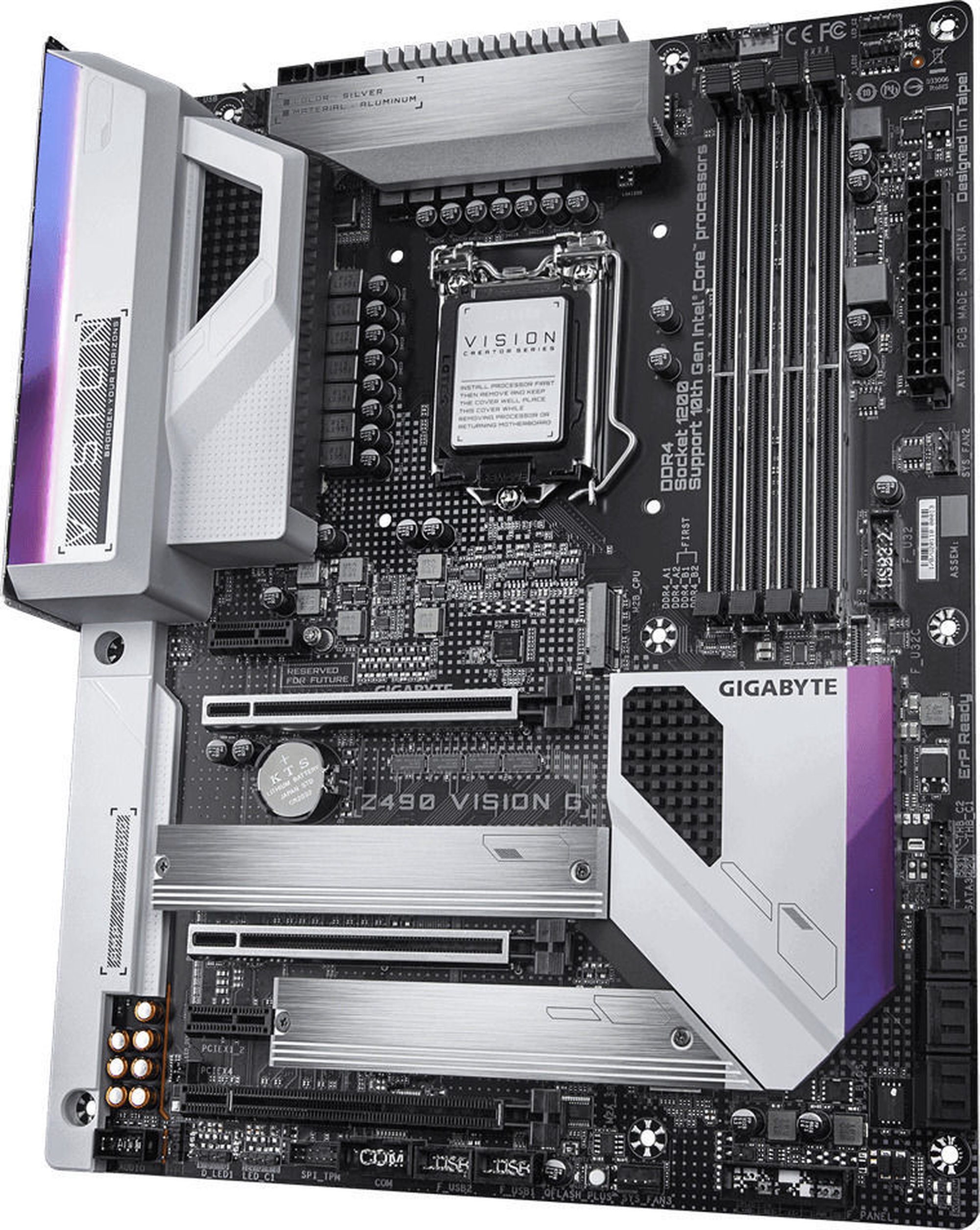
Число гнезд оперативной памяти
|
4
|
|
Тип оперативной памяти
|
DDR4
|
|
Максимальное количество оперативной памяти (RAM)
|
128 GB
|
|
Тактовая частота оперативной памяти
|
2800 MHz (O.C.), 4300+ MHz (O.C.), 4600+ MHz (O.C.), 4933 MHz (O.C.), 5000 MHz (O.C.)
|
Аудио, видео и сетевая карта
|
|
Модель видеокарты
|
Intel® HD Graphics
|
|
Модель звуковой карты
|
Realtek® ALC1220-VB
|
|
Сетевая карта
|
Intel 2.5GbE
|
|
AMD CrossFire
|
Да
|
|
nVidia SLI
|
Да
|
Подключение жесткого диска и оптических устройств
|
|
SATA 3 порты
|
6
|
Слоты расширения
|
|
Разъемы PCI Express 1X
|
2
|
|
Разъемы PCI Express 4X
|
1
|
|
Разъемы PCI Express 16X
|
1
|
|
PCI соединения
|
0
|
Возможности подключений задней панели
|
|
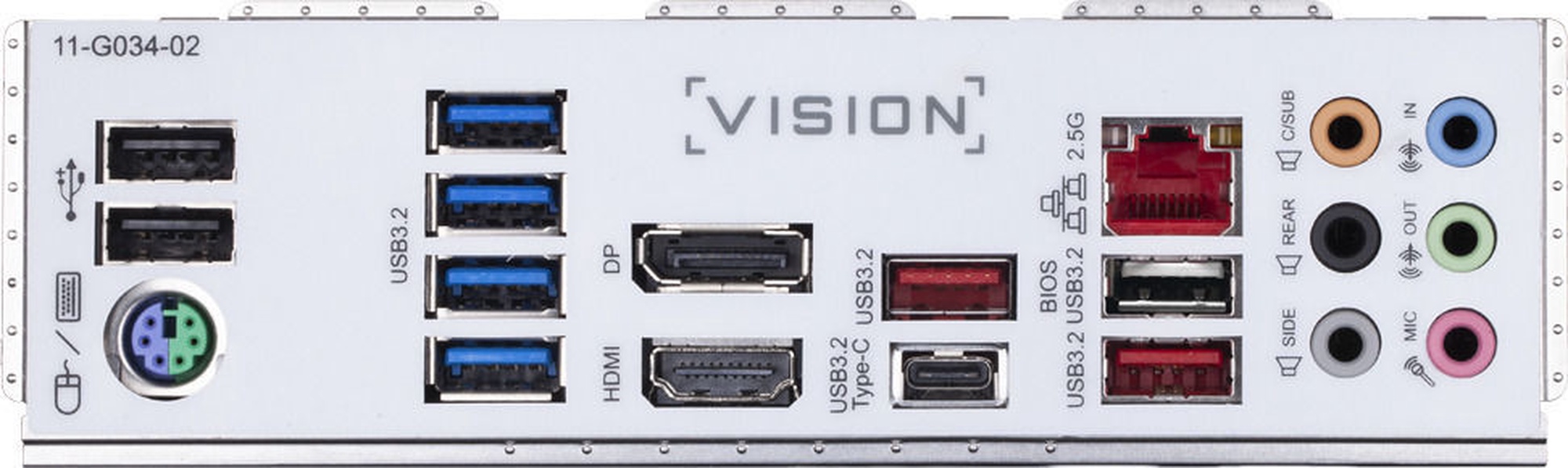
Число разъемов USB 2.0
|
2
|
|
Число разъемов USB 3.x
|
8
|
|
Число разъемов HDMI
|
1
|
|
Разъемы DisplayPort
|
1
|
|
Коннекторы PS/2
|
1
|
Дополнительно
|
|
Дополнительная информация
|
APP Center. @BIOS. EasyTune. Fast Boot. Game Boost. ON/OFF Charge. RGB Fusion. Smart Backup. System Information Viewer. Q-Flash Plus. Q-Flash. Xpress Install
|
Описание товара на английском языке:

Now offering more LED customizations than ever, users can truly adapt their PC to represent their lifestyle. With full RGB support and a redesigned RGB Fusion 2.0 application, the user has complete control over the LEDs which surround the motherboard.
Note: Lighting effects depicted are for demonstration purposes only. Actual lighting effects may vary by model.
Refreshed BIOS
The BIOS is essential for users during initial setup to allow for the most optimal settings. With a new GUI and easier to use functionalities, GIGABYTE has been able to reinvent the BIOS to give users a better experience while setting up their new system.
* Style illustration for reference only.
APP CENTER
GIGABYTE APP CENTER is an useful portal of all GIGABYTE MB utilities and drivers, you can choose any utility you want to install from APP CENTER and keep you updated with latest utilities and drivers version.
EasyTune™
GIGABYTE's EasyTune™ is a simple and easy-to-use interface that allows users to fine-tune their system settings or adjust system and memory clocks and voltages in a Windows environment. With Smart Quick Boost, one click is all it takes to automatically overclock your system, giving an added performance boost when you need it the most.
@BIOS
The GIGABYTE @BIOS app allows you to update your system's BIOS from within Windows using a simple and slick graphical user interface. @BIOS can automatically download the latest version from the GIGABYTE servers or you can update your BIOS from a file on your computer. @BIOS also allows you to save your current BIOS to a file, recover your previous BIOS from an image and backup your BIOS to an image.
System Information Viewer
GIGABYTE System Information Viewer is a central location that gives you access to your current system status. Monitor components such as the clocks and processor, set your preferred fan speed profile, create alerts when temperatures get too high or record your system's behavior; these are the possibilities of the System Information Viewer.
Оттенок товара может отличаться от изображенного на фотографии. Описание продукта носит общий характер, и оно необязательно содержит все свойства продукта. Цены на товары, опубликованные в интернет-магазине, могут отличаться от цен на товары, применяемые в супермаркетах и сервисных центрах. Остатки товаров на складе и в интернет-магазине в исключительных случаях могут не совпадать, поэтому сохраняется вероятность того, что сроки доставки могут отличаться от указанных при размещении заказа и / или мы не сможем выполнить Твой заказ или выполним лишь частично (в таких случаях Покупатель будет немедленно проинформирован). Изображение, созданное искусственным интеллектом