Присоединись к SMART NET! Присоединись

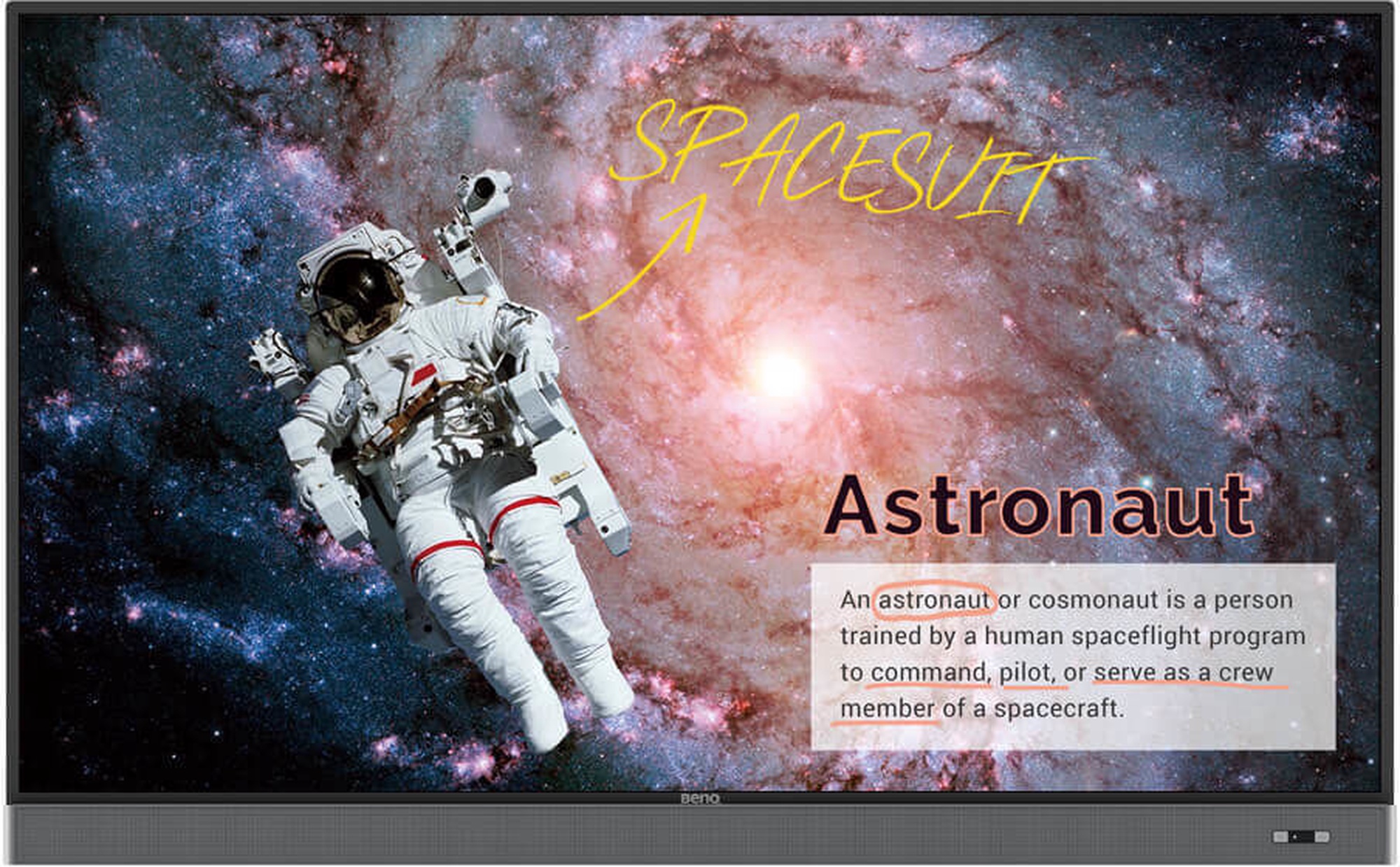
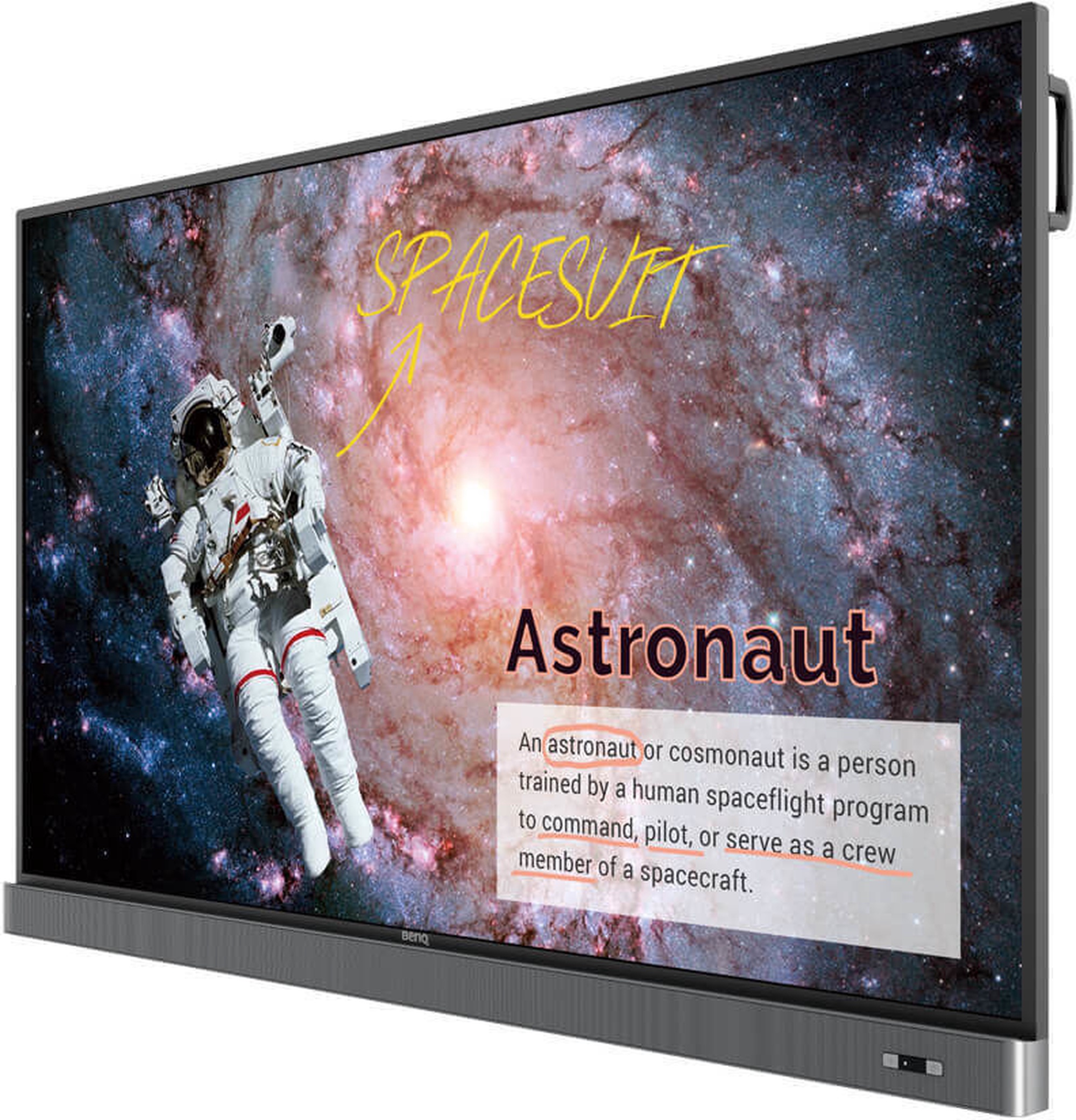
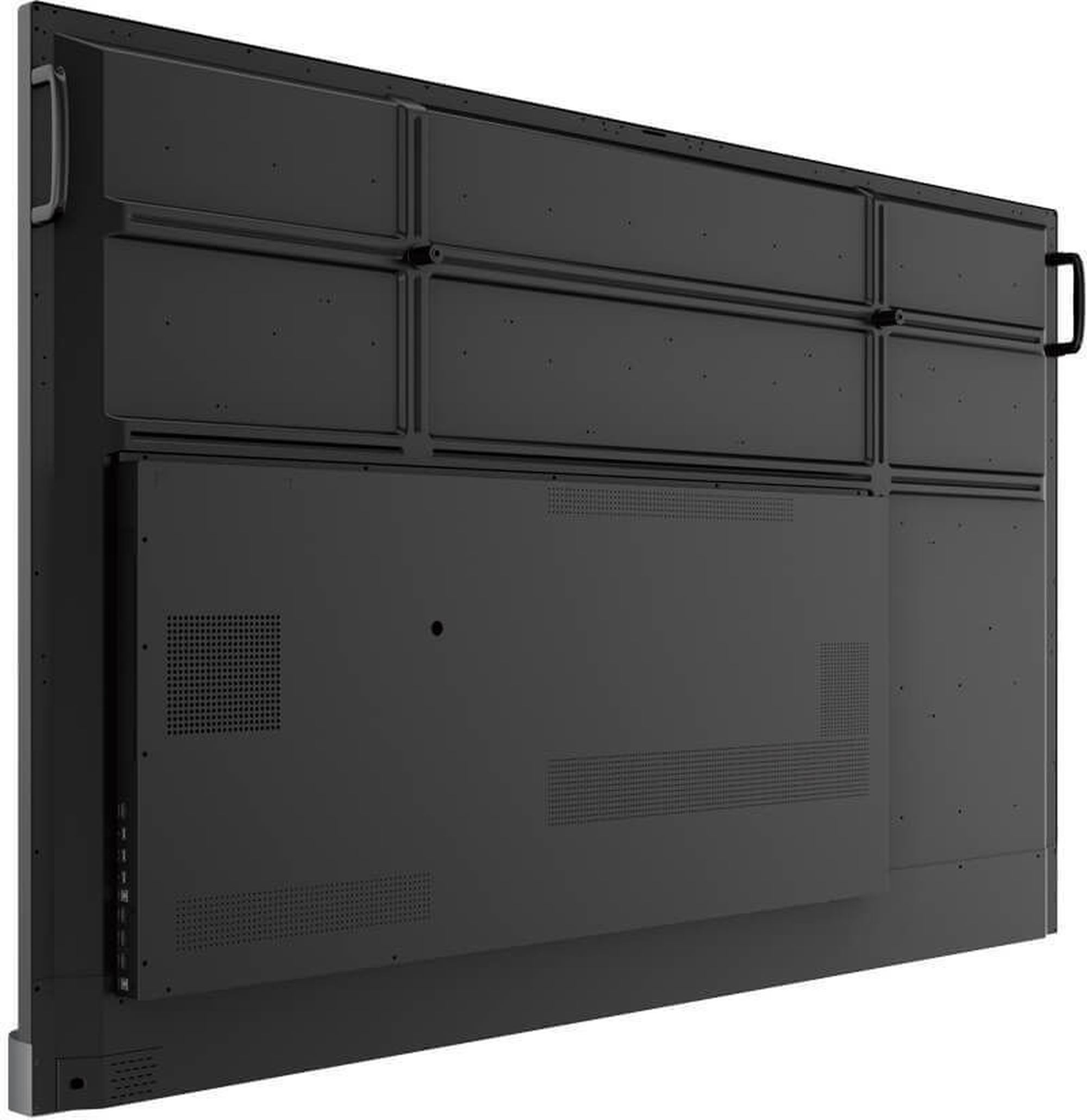
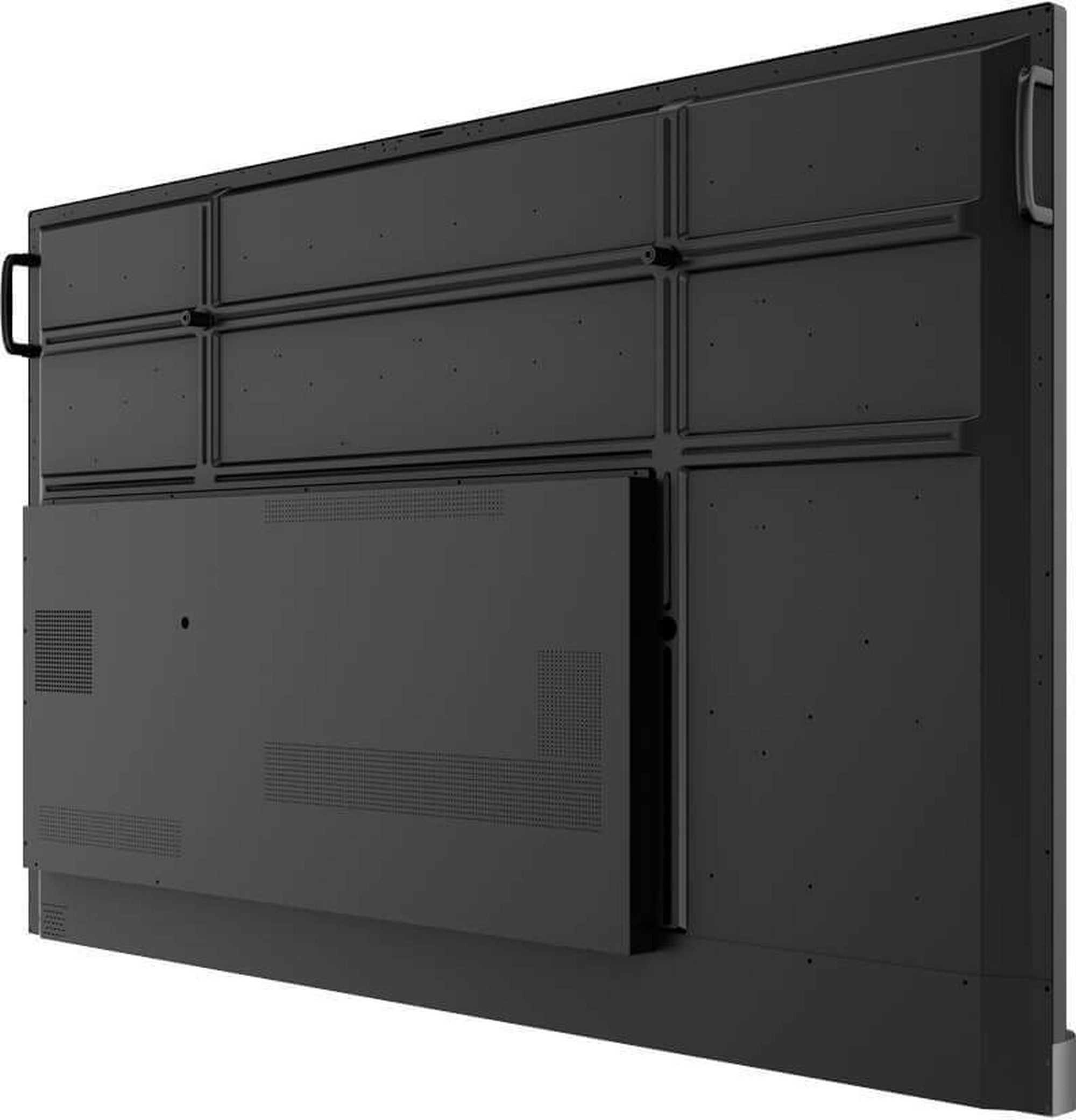
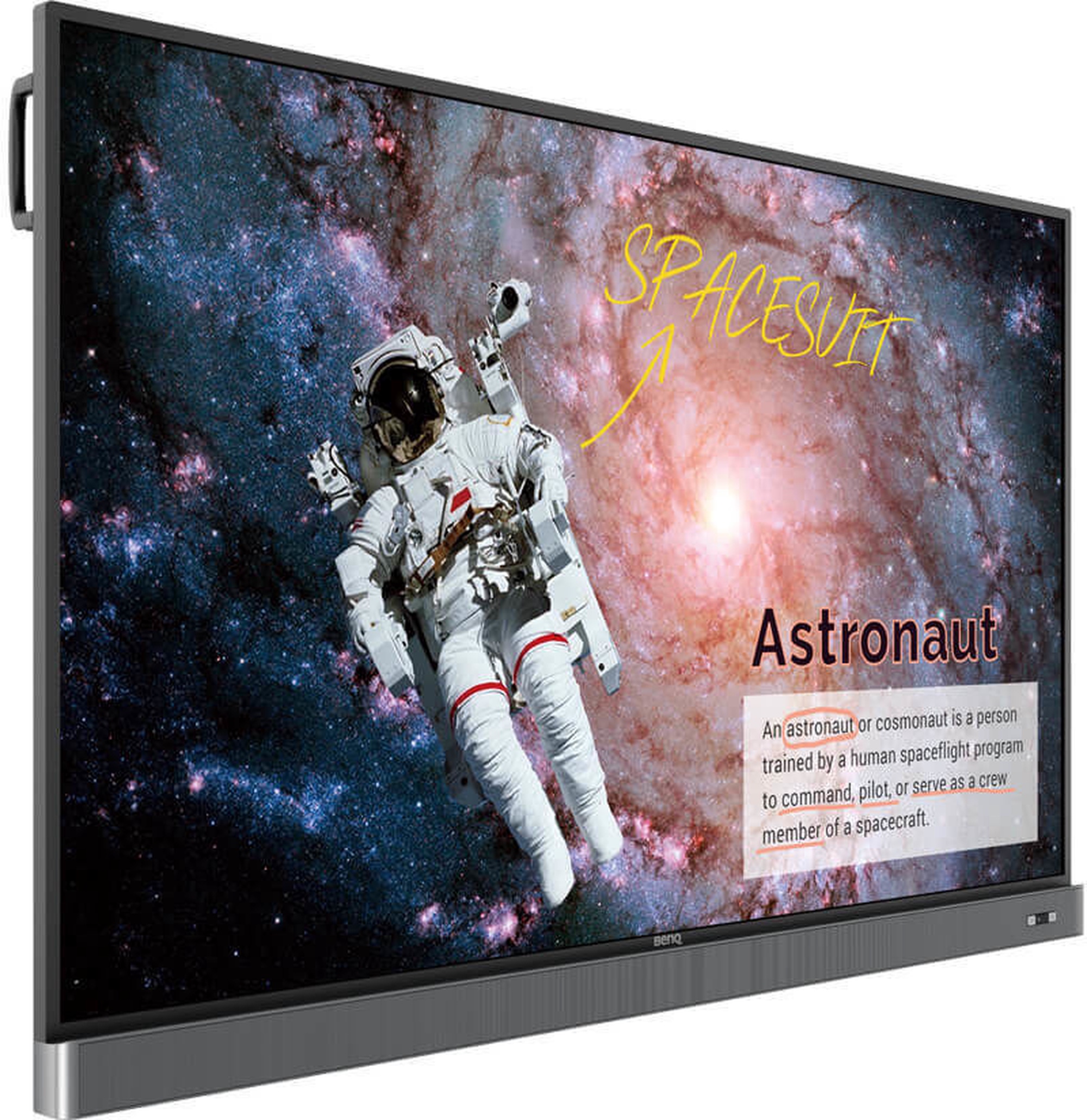
Монитор BenQ RM7502K, D-LED, 75″


Извини, данный товар в настоящий момент недоступен. Мы предлагаем посмотреть другие товары этой категории - уверены, что найдешь похожий товар!

Можешь продолжать совершать покупки, вернувшись на главную страницу или использовав поиск по сайту.
Информация о товаре

Свойства изделия

Общие характеристики

Тип продукта Мониторы
Бренд BenQ
Тип монитора
LCD и LED две основные технологии дисплеев, которые широко используются в наше время. Основные преимущества LCD: мнебольшой вес, высокая контрастность, пропорциональной формат изображения, яркие цвета, отсутствие мерцания, острое изображение, а также низкое энергопотребление. LED мониторы обеспечивают почти идеальное качество изображения, чтобы просматривать фильмы в высоком качестве, играть в новейшие игры и создавать презентации. LED мониторы не содержат ртуть, галоген или свинец. Это делает эти мониторы дружелюбными к среде, когда необходимо их перерабатывать.
Промышленные мониторы
Модель RM7502K
Цвет Черный цв.
Шкала классов энергоэффективности A - G

Экран

Тип экрана
Панель монитора главная особенность видимой части экрана, или технология в которой реализовано воспроизведение цветных точек (пикселей). TN это стандартная технология с средним показателем контраста, яркости и соответствию цвета. IPS имеет высоко цветовую соответствующую матрицу с хорошей скоростью реакции изображения и по этому хорошо подходит для графических работ и обработки фотографий. IPS матрица обеспечивает отличный угол обзора при сохранении цвета и контрастности практически под любым углом. Матрица VA обеспечивает отличное соответствие цвета, однако, эти матрицы отстают матрицы время реакции от IPS и TN, а угол обзора где-то в середине этих технологий.
D-LED
Диагональ экрана
Размер экрана монитора измеряется в дюймах по диагонали. Размер экрана должен быть пропорционален разрешению экрана, чтобы максимизировать использование рабочей поверхности и детализацию изображения. Чем больше монитор, тем выше разрешени он поддерживает. Возможность увеличить разрешение экрана зависит от размера и возможностей монитора и видеокарты.
75 ″
Разрешение дисплея
Чем больше разрешение, тем качественнее (точнее) изображение.
3840 x 2160
Форма экрана Плоский
Тип поверхности экрана
Есть два типа экранов – глянцевый и матовый. Glare или глянцевому экрану характерен ярко выраженный контраст, острота и краски, по сравнению с AntiGlare или матовым экраном. Мониторы такого типа чаще приобретают домашние пользователи. AntiGlare или матовый экран характерен для мониторов бизнес класса, которые предназначены для работы с документами и бухгалтерскими системами. Преимущества экранов такого типа это частичное предотвращение проблемы отсвечивания, „рассеивая” свет.
Фактура: матовая
Время реакции
Этот параметр определяет время реакции экрана монитора. Время реакции измеряется в миллисекундах. Чем меньше время реакции, тем лучше монитор будет отображать движущиеся изображения.
8 ms
Горизонтальный угол наблюдения
LCD и LED мониторы разработаны таким образом, чтобы смотреть на монитор под любым углом, качество изображения (яркость и контрастность) останется без изменений.
178 град
Вертикальный угол наблюдения 178 град
Контрастность
Контрастность экрана обеспечивает резкость изображения. Это разница между самым темными (абсолютно черный) и ярким (полностью белый) пикселями. Чем больше контраст, тем более разборчивый текст на экране. Контрастность также определяет, на сколько четкие линии будут видны на изображении монитора.
1200 : 1
Яркость, cd/м²
Яркость монитора показатель видимости изображения, который определяет, насколько хорошо видно изображение при сильном внешнем освещении. Чем выше коэффициент яркости, тем лучше видимость изображения.
350
Сенсорный экран Да
Функция 3D
Этот параметр определяет, позволяет ли монитор создавать трехмерные изображения на экране телевизора.
Нет

Подключение и соединение

Тип портов
Есть несколько различных типов соединений. D-Sub является классическим (аналоговый) разъем подключения монитора. Если разрешение монитора равно или меньше, чем Full HD, то с этой связью у среднего пользователя не будет никаких проблем. С лучшим качеством изображения и разрешением нужно искать монитор с DisplayPort или порт HDMI.
2 x USB 2.0 type B, 3 x HDMI, Audio-in, HDMI, S/PDIF, VGA

Встроенные дополнительные устройства

Встроенные динамики Да

Габариты и вес

Вес 54.4 кг

Дополнительно

Регулируется
Пользователь имеет возможность регулировать высоту монитора, наклон, и в других случаях можно поворачивать монитор по кругу и по вертикали. Это зависит от модели.
Нет
Стандарт VESA
Мониторы с этими креплениями присоединяются к стене. Указан также размер крепления для монитора.
800 x 400
nVidia G-Sync Нет
AMD FreeSync Нет
Право предъявления претензии для физических лиц 24 месяц
Право предъявления претензии для юридических лиц 12 месяц
Дополнительная информация Отлично подходит для школ. Можно использовать 2 ручки одновременно. Flicker-Free технология. Низкий уровень синего света
Описание товара на английском языке:


Your Caring Mate for Enhanced Interactive Learning
RM7502K is designed to tap into the dynamic possibilities of the classroom and help teachers build a healthy and engaging learning environment. Not only does RM7502K come with Eye-Care solution, but it is also installed with proficient cloud whiteboard for enhanced class participation and foster collaboration with students beyond locations and platforms. RM7502K is your ultimate interactive display to achieve a touch-enhanced, and connect entire class for a smooth and fun learning experience.

Annotate and Collaborate Everywhere with the Cloud
With cloud features, EZWrite 5 streamlines classroom discussions by making it smoother than ever for teachers and students to share ideas, notes, and opinions as if they are annotating on the same whiteboard regardless of where they are. Furthermore, with AMS service teachers will be able to access teaching materials stored in cloud storage and start the class directly with BenQ’s IFP.

Smooth Real-Time Collaboration

Cloud Whiteboard and Sticky Notes for Classrooms
Packed with teacher- and student-friendly features, BenQ’s EZWrite 5 is the leading annotation solution for interactive and collaborative classroom scenarios. Teachers and students can enjoy enhanced interactivity by using EZWrite Cloud Whiteboard to collect, categorize, edit, and share notes between the IFP and mobile devices.

Instant Access to the Cloud
EZWrite 5 allows teachers to directly download and upload files to cloud services, such as Google Drive and Dropbox. Exclusive to EZWrite 5, this convenient cloud access makes it easy for teachers to modify their materials and bring them everywhere.

Flexible Anytime Annotation

Adjustable Screen Capture Regions and Easy Import
EZWrite 5 allows teachers to directly download and upload files to cloud services, such as Google Drive and Dropbox. Exclusive to EZWrite 5, this convenient cloud access makes it easy for teachers to modify their materials and bring them everywhere.

Dual Pens for Simultaneous Collaboration with Different Colors

EZWrite 5 comes with dual pens that allow two users to write or draw simultaneously with different colors, making it ideal for lively classroom activities.

Brush Mode for Creative Education
EZWrite 5 is ideal for creative, inspired creation in art classes. Users are guaranteed to enjoy an effortless experience that feels like writing and drawing with actual pens and brushes.

Intelligent Handwriting Recognition
EZWrite’s handwriting recognition feature allows users to instantly convert written text, numbers, forms, and drawings into easily legible digital text without having to switch modes.


Floating Tool
EZWrite’s built-in Floating Tool empowers teachers to write on top of any app, video, website, document, or image. Whether using Windows, Mac, Chrome, or Android, a teacher can take notes on top of any on-screen content and save them. With screen capture, it allows users to capture all – or just part – of the screen within two fingers at both hands. The Floating Tool also offers a smooth writing experience when used with HDMI, VGA, DP, and other signal sources, ensuring maximum flexibility.
Immediate Message Delivery and Management

The Smart Broadcasting System with Instant Delivery and Easy Management
X-Sign Broadcast is a wireless broadcast system that can push alerts, messages and announcements during class. Unlike traditional classroom messaging systems, X-Sign Broadcast ensures immediate message delivery as well as group notification. Serving as a next-generation information center, X-Sign Broadcast lets you manage class time content and broadcast enriching material from any device. Creating an engaging learning environment has never been easier.

With its grouping function, X-Sign Broadcast can send messages to a selected group of screens, a single classroom or the whole school. The grouping function helps ensure information is only sent to the recipients for whom it’s intended, while also reducing the time and labor required to send messages to multiple people.

Smart grouping by class or attributes
Messages can be sent to multiple recipients simultaneously

Twice the Touch Resolution

BenQ’s new education IFPs fine-tune handwriting experience with an advanced fine IR touch that further reduces the gap between actual landing point and the point displayed on the screen. Additionally, the new series also allows teachers to create a more natural handwriting as the new touch frame recognizes a smaller radius. To avoid creating cursive handwriting by accident, the new series reduces the pre-touch distance to offer a better touch and writing experience.

Further reducing the gap between actual landing point and the point displayed on the screen.

Creating a more natural handwriting as the new touch frame recognizes a smaller radius.

Reducing the pre-touch distance to offer a better touch and writing experience.

Create a Healthy Learning Environment for Students
When it comes to effective learning, health matters. BenQ IFP ensures classrooms can embrace innovation without compromising students’ health by providing smart eye-care technology.

Smart Eye-Care Solution
The Smart Eye-Care solution can function intuitively with the help of the embedded motion sensor. For a smooth and comfortable viewing experience, BenQ IFP will automatically activate Flicker-Free and Low Blue Light features by detecting the movement of users close to the screen.


Flicker-Free
Click for the Flicker-Free TÜV Rheinland Certificate
Low Blue Light
Click for the Low Blue Light TÜV Rheinland Certificate
Anti-Glare
Facilitate Teaching Flow with Friendly Design

Nurture Uninterrupted Learning with BenQ Launcher
To further ensure uninterrupted learning for students, RM7502K streamlines the steps for teachers to start classes with BenQ Launcher. Created to aggregate all key tools in one hub, BenQ Launcher allows teachers to start using EZWrite whiteboard as well as accessing to variety input sources in a single tap without logging into their accounts. Teachers can also put announcements on the message board. Additionally, BenQ Launcher comes with SwitchQ, a task switcher, letting teachers effortlessly switch between recent apps and input signal sources at fingertips.

Account Management System for Personalized Workspace
BenQ's IFPs support multi-account management which allows users to directly access and manage their personal system-setting, network drive and cloud storage space such as Google drive and Dropbox.

Wireless Solution for Seamless Collaboration
InstaShare is the software designed for seamless wireless presentation and collaboration during lectures. It allows the smooth streaming of visual, audio files and Full HD quality videos. Users can also mirror and control all digital content across the devices including BenQ IFP, PCs, tablets, and smartphones, empowering contributors to enrich their sessions with a variety of multimedia resources.

Hands free control over the IFP with Voice Assistant
RM7502K offers an extra level of flexibility for device control through Voice Assistant, allowing teachers to control the flow of the class, such as starting the timer or searching the internet from wherever they are in the classroom. Teachers can easily control the IFP through voice control or remote control, further ensuring a smooth classroom experience for both students and teachers. *This feature will be ready by the end of Q4, 2019.

Front-Facing Speakers and External Microphone Compatibility for More Impactful Learning
RM7502K repositions the two 16W speakers to the front, offering better sound transmission that elevates the level of audiovisual enjoyment during classes. Additionally, RM7502K comes with a Mic-In port that allows teachers to connect external microphones, further facilitating an impactful and effective learning experience for students.
Maximize Flexibility in Teaching through Open Sharing

Multiple Display Application for Increased Teaching Efficiency
RM7502K supports dual display application through HDMI out, allowing teachers to share teaching materials to more than one screen and increase the efficiency of teaching and student engagement.

Multi-Platform Compatibility
The Interactive Flat Panels can work seamlessly with a wide range of computing and mobile devices running most major operating systems, from Windows to Mac, Linux and Chrome, through its plug-and-play feature.

Recommended Apps through “BenQ Suggests”
RM7502K incorporates several recommended Android apps into BenQ Suggests, also in partnership with solution partners such as Teamviewer and Blizz, which further expand the IFPs' potential by simplifying app updates and downloading in the future.

Hassle-Free Display Management
With cloud features, BenQ DMS combined Device Info and Management, Apps Management and OTA (Over-the-Air) Update to provide you an ultimate device management solution for your productivity.

Device Info and Management
Remotely control your displays with DMS Cloud via Internet. It’s an effective way to lower TCO and energy consumption for your operation.

Apps Management

Install Android™ apps for a selection of displays through our cloud server. DMS Cloud is designed to save you the hassles of repetitive manual installation work.

OTA (Over-the-Air) Update
Upgrade the latest BenQ firmware for your displays through our OTA Update support and keep them running smoothly at all times.

DMS Local
DMS Lcal is a Device Info and Management software based on windows OS. For users who would like to control your displays remotely via LAN, you can download DMS Local software for your operation.
MDA (Multiple Display Administrator)

For users who would like to control your displays remotely via RS232, you can download MDA software for your operation.
Оттенок товара может отличаться от изображенного на фотографии. Описание продукта носит общий характер, и оно необязательно содержит все свойства продукта. Цены на товары, опубликованные в интернет-магазине, могут отличаться от цен на товары, применяемые в супермаркетах и сервисных центрах. Остатки товаров на складе и в интернет-магазине в исключительных случаях могут не совпадать, поэтому сохраняется вероятность того, что сроки доставки могут отличаться от указанных при размещении заказа и / или мы не сможем выполнить Твой заказ или выполним лишь частично (в таких случаях Покупатель будет немедленно проинформирован). Изображение, созданное искусственным интеллектом

Заметил ошибку в описании товара, таблице свойств или фотогалерее? Сообщи нам