

Prekių katalogas
- Kompiuterinė technika, biuro prekės
-
Telefonai, planšetiniai kompiuteriai
- Dėklai, galiniai dangteliai ir įmovos
- Apsauginės ekrano plėvelės
- Įkrovikliai, jungtys ir laidai
- Baterijos, akumuliatoriai
- Įkrovikliai-akumuliatoriai (Power Banks)
- Automobiliniai ir kiti laikikliai
- Laisvų rankų įranga
- Atsarginės mobiliųjų telefonų dalys
- Kiti priedai (Asmenukių lazdos, Foto objektyvai ir kt.)
- Išmaniųjų laikrodžių ir apyrankių priedai
- Žaidimų kompiuteriai ir priedai
-
Žaidimų kompiuteriai, TV, audio, video
-
Kompiuterių komponentai, tinklo produktai
- Procesoriai
- Pagrindinės plokštės
- Vaizdo plokštės
- Žiūrėti daugiau
- Optiniai įrenginiai
- Garso plokštės
- Išplėtimo lizdai
- Kabeliai, laidai ir adapteriai
- Maitinimo blokai (PSU)
- Aušintuvai
- Oro aušinimo sistemos priedai (Termopasta, Rėmeliai ir t.t.)
- Skysčio aušinimo sistemos priedai (radiatoriai, valdikliai ir kt.)
- Korpusai
- Korpusų aksesuarai (LED apšvietimas, lipdukai ir kt.)
- Maršrutizatoriai
- Bevielio tinklo adapteriai (Wireless)
- Belaidės prieigos taškai (Access Point)
- Antenos ir priedai maršrutizatoriams
- Signalo stiprintuvai (Range Extender)
- Print-serveriai
- Kiti tinklo produktai
- Komutatoriai (Switch)
- Tinklo plokštės
- Powerline adapteriai
- PoE adapteriai
- Vaizdo signalo dalikliai (Splitter)
- KVM komutatoriai (KVM Switch)
- Laidai, kabeliai KVM komutatoriams
- DSL modemai
- Optiniai keitikliai
- Stebėjimo, IP kameros
- Stebėjimo kamerų aksesuarai, IP kameroms
- Tinklo vaizdo registratoriai (DVR, NVR)
- VoIP
-
Buitinė technika
- Virduliai
- Mikrobangų krosnelės
- Mėsmalės
- Mini viryklės ir orkaitės
- Kokteilinės
- Sulčiaspaudės
- Virtuviniai kombainai
-
Vaikams, kūdikiams
- Autokėdutės
- Priedai autokėdutėms
- Sportiniai vežimėliai
- Vežimėlių aksesuarai
- Universalūs vežimėliai
- Nešioklės
- Kombinezonai
- Vaikštynės
-
Kvepalai ir kosmetika
- Grožis ir sveikata
- Sportas ir fitnesas
-
Turizmo prekės
- Palapinės
- Miegmaišiai
- Pripučiami čiužiniai, kilimėliai, patiesalai
- Reikmenys maistui ir gėrimams
- Vienkartiniai indai
- Dujiniai degikliai, krosnelės ir priedai
- Kuprinės kelionėms, kiti krepšiai
- Peiliai
- Žibintuvėliai
- Kempingo baldai
- Neperšlampami dėklai ir pakuotės
- Turistinės higienos prekės
- Šaldymo dėžės ir krepšiai
- Pirmoji pagalba
- Priemonės nuo kenkėjų
- Įvairūs turistiniai reikmenys
- Namų apyvokos prekės
-
Santechnika ir šildymas
- Vonios kambario aksesuarai
- Maišytuvai
- Muilinės ir muilo dozatoriai
- Stiklinaitės ir dantų šepetėlių laikikliai
- Tualeto šepečiai
- Tualetinio popieriaus laikikliai
- Vonios kambario kilimėliai
- Dušo užuolaidos
- Praustuvai
- Unitazai
- Dušo kabinos
- Vonios
- Dušo galvutės
- Praustuvų aksesuarai
- Unitazų priedai
- Maišytuvų priedai
-
Zoo prekės
- Sausas šunų maistas
- Šlapias šunų maistas (konservai)
- Skanėstai šunims
- Maisto papildai ir vitaminai šunims
- Pavadėliai ir antkakliai
- Antsnukiai
- Dubenėliai maitinimui
- Krepšiai, narvai ir transportavimo priedai
- Šukos, ferminatoriai
- Šunų priežiūros priemonės
- Žaislai šunims
- Guoliai
- Drabužiai ir avalynė šunims
- Gyvūnų sekimo prietaisai
- Šunų tualetai
- Priedai elgesio korekcijai
- Priedai šunims ir katėms
- Šlapias kačių maistas (konservai)
- Sausas kačių maistas
- Skanėstai katėms
- Maisto papildai ir vitaminai katėms
- Kraikas ir užpildai
- Kačių tualetai
- Žaislai katėms
- Kačių draskyklės, guoliai ir slėptuvės
- Priedai kačių tualetui
- Dubenėliai maitinimui
- Šukos, furminatoriai
- Kačių priežiūros priemonės
- Krepšiai, narvai ir transportavimo priedai
- Guoliai
- Priedai elgesio korekcijai
- Priedai šunims ir katėms
- Baldai
-
Namams, sodui ir remontui
- Foto technika, optika
- Šviestuvai
-
Įrankiai
- Auto-moto prekės
- Dovanos, švenčių atributika
-
Išparduotuvė
-
Avalynė, drabužiai ir aksesuarai

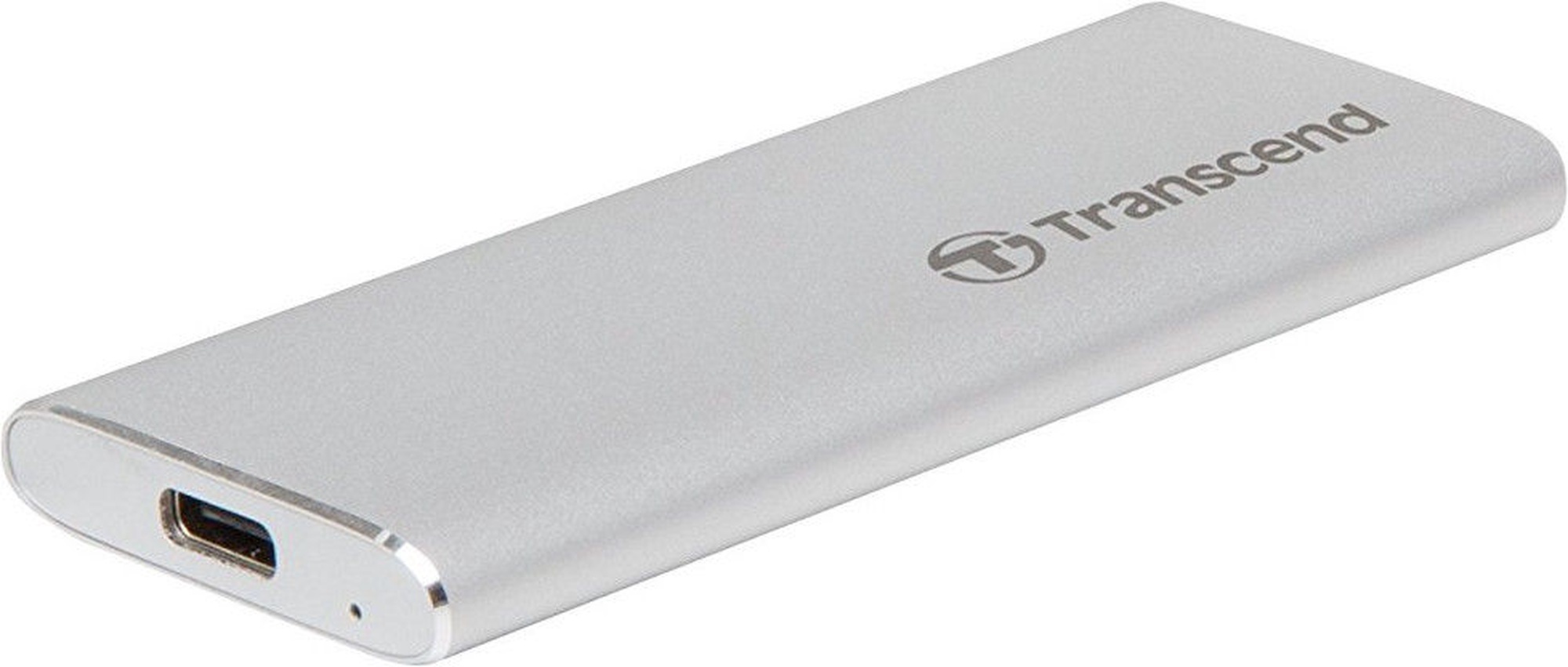



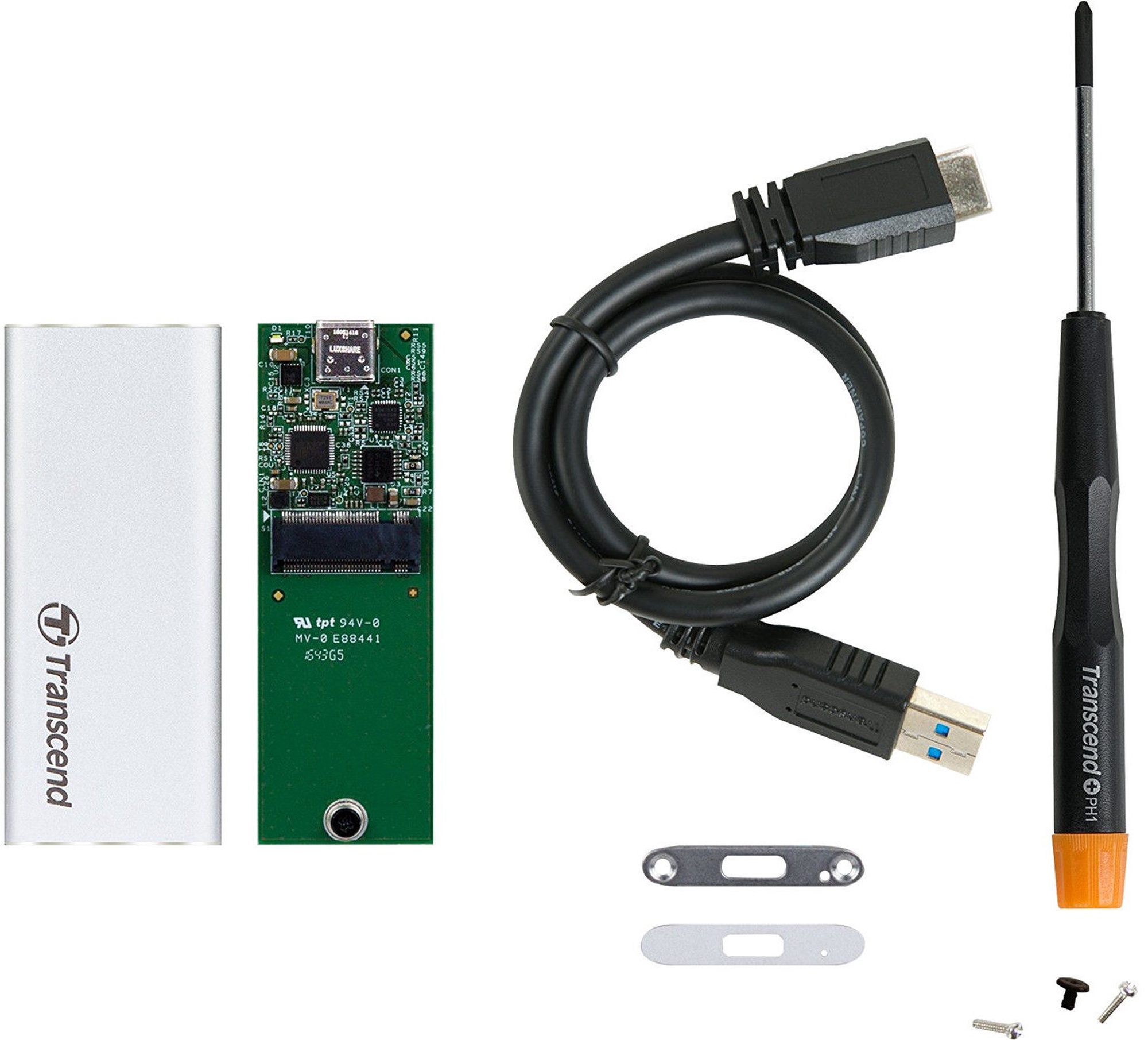



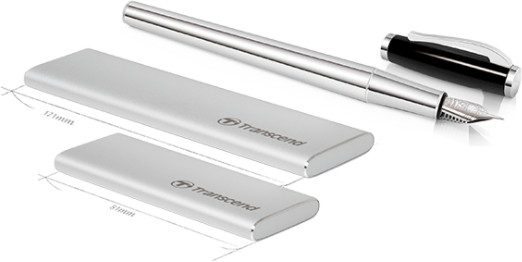
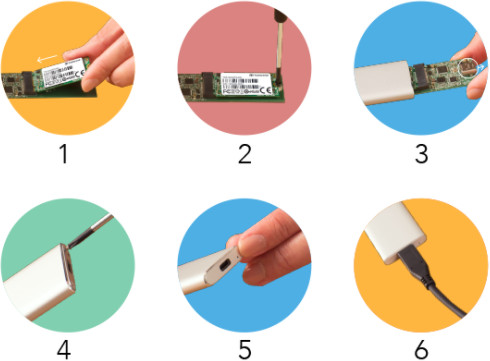 Quick and Easy installation